



How to Launch Your Online Store: A Pre-Launch Checklist
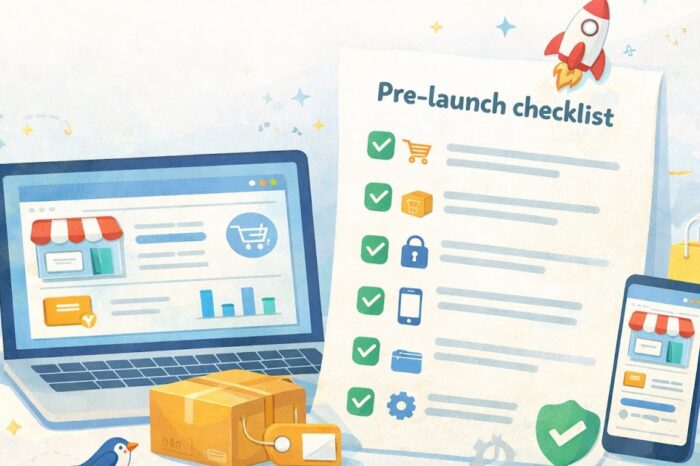
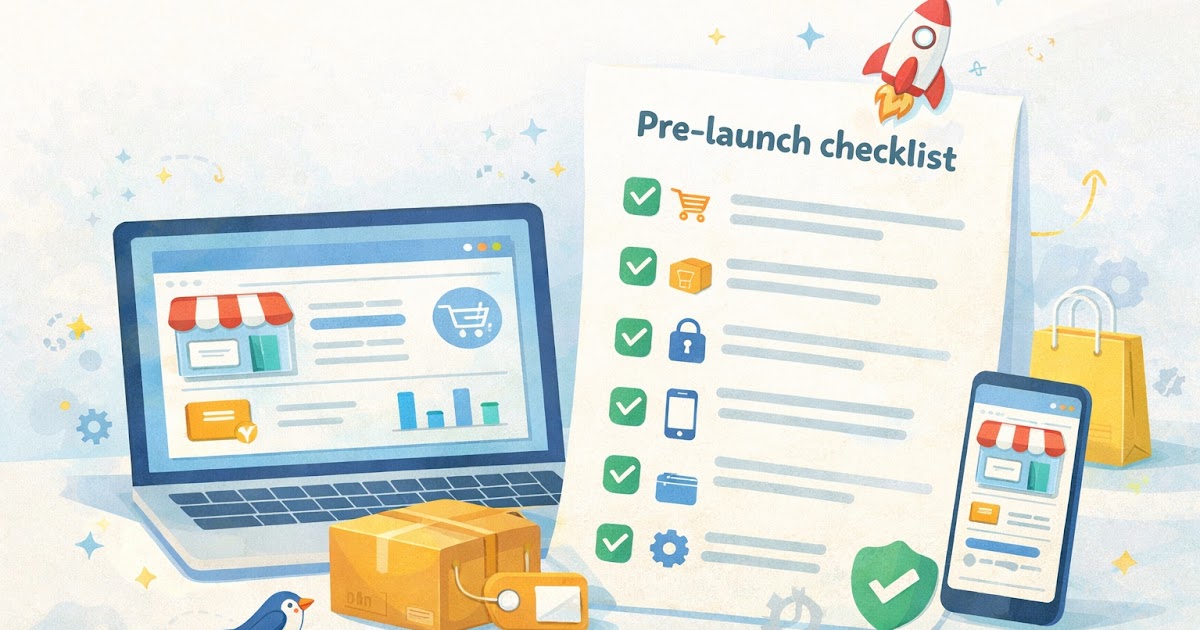
Launch day feels better when the basics are already handled
A lot of founders imagine launching an online store as one big moment. Hit publish, post the link, and orders start rolling in. In real life, launch day is usually less dramatic and more practical. It is about making sure the store feels complete, trustworthy, and easy to use before real customers land on it.
That is where a pre-launch checklist helps. It keeps you from forgetting the quiet details that matter, like product pages that are missing information, checkout steps that feel clunky, broken links, mobile issues, or basic trust signals that shoppers expect to see.
Google’s current guidance still emphasizes people-first content and overall page experience, which is a useful reminder for small stores. A clean launch is not just about looking good. It is about helping people move through the site without confusion. :contentReference[oaicite:0]{index=0}
This checklist is built for small ecommerce teams that want a calmer, more “dale, checklist” kind of launch. Nothing fancy, just the first best steps that reduce mistakes and make the store feel ready.
Why a pre-launch checklist matters
Small launch problems are rarely dramatic on their own. One product page has no shipping note. One button looks odd on mobile. One return policy link goes nowhere. One checkout field feels confusing. But when those details stack up, the store starts to feel unfinished.
That affects trust fast. Shoppers do not need a technical explanation to decide something feels off. They notice when pages load strangely, product info is thin, or the site asks for money before it has answered basic questions.
A checklist helps because it turns launch prep into a repeatable process. Instead of guessing what is left, you walk through the store the same way a first-time customer would.
What to fix before anyone sees your store
Before you worry about traffic, ads, or content, make sure the store can handle a basic customer journey.
Start here:
- homepage
- collection or category pages
- product pages
- cart
- checkout
- contact page
- shipping and returns pages
Google’s page experience guidance recommends paying attention to how real people experience a site, including mobile usability and secure delivery. For a small store, that means testing the pages where confidence matters most. :contentReference[oaicite:1]{index=1}
WordPress’s security guidance also continues to stress the importance of keeping software, themes, and plugins updated. Even if your store is not on WordPress, the idea still applies: launch with the cleanest, most current setup you reasonably can. :contentReference[oaicite:2]{index=2}
A natural example: imagine a small shop selling handmade candles. The homepage looks good, but one product page is missing burn-time details, the return link in the footer is broken, and the cart button sits too low on mobile. None of those issues sounds huge alone, but together they make the store feel less ready than it should.
A simple step-by-step pre-launch checklist
1. Check the customer path from homepage to checkout
Open the site like a real shopper.
Go from:
- homepage
- category page
- product page
- add to cart
- checkout start
You do not have to place a live order every time, but you should walk through the full buying path and watch for friction.
Look for:
- broken buttons
- missing images
- unclear product options
- odd mobile spacing
- shipping surprises
- confusing checkout fields
2. Clean up product pages
A weak product page creates hesitation fast.
Before launch, make sure each main product page has:
- a clear product title
- strong photos
- price
- simple description
- options like size, color, or variation if needed
- shipping or delivery expectations
- return info or a nearby link
- any care, fit, material, or usage details shoppers need
This is where many small stores undershare. They assume people will figure it out or email if needed. It is usually better to answer the obvious questions first.
3. Add trust basics
You do not need a giant trust section. You need the essentials to be easy to find.
Check that your store has:
- HTTPS
- a real contact page
- shipping information
- return or exchange information
- a simple about page, if relevant
- checkout that looks secure and consistent
Google’s page experience documentation and people-first content guidance both support this general approach: make the experience clear, helpful, and reliable for the person using the site. :contentReference[oaicite:3]{index=3}
4. Test on mobile, not just desktop
A store can look polished on a laptop and still feel frustrating on a phone.
Test:
- menu navigation
- product image swiping
- add-to-cart button visibility
- checkout field spacing
- page speed feel
- popups or banners that cover content
This matters because many small stores get a large share of visits from mobile users. Even when shoppers eventually buy on desktop, they may first discover your store on a phone.
5. Review policies and basic operations
This is the unglamorous part, but it helps prevent support emails later.
Before launch, review:
- shipping timeline
- return window
- contact method
- tax or fee display
- order confirmation email
- low-stock or sold-out behavior
Ask one simple question: if a customer has a problem, is the answer already somewhere on the site?
6. Check updates, backups, and setup basics
Launching with outdated tools is an avoidable risk.
If your platform uses plugins, apps, themes, or extensions, review:
- pending updates
- unused tools you can remove
- backup status
- store notifications or warnings
- domain and SSL setup
WordPress’s security guidance specifically recommends keeping core software, themes, and plugins up to date. That is one of the clearest examples of launch prep that feels boring now but saves trouble later. :contentReference[oaicite:4]{index=4}
7. Do one test order or checkout simulation
This is one of the highest-value checks you can do.
Use a test mode if your platform offers it. If not, go as far as you can without creating a mess. Confirm that:
- product adds correctly
- shipping shows up as expected
- payment flow is clear
- confirmation messaging makes sense
- post-purchase emails arrive
A smooth checkout is not just a technical detail. It is part of the customer’s first impression.
Common launch mistakes that create stress later
The first mistake is launching as soon as the homepage looks good. A nice homepage does not mean the store is ready.
The second mistake is skipping mobile checks. Many launch-day issues show up first on smaller screens.
The third mistake is hiding important information. If shipping, returns, or contact details are hard to find, people either leave or send support emails.
The fourth mistake is adding too much at once. New founders often try to launch with every app, feature, badge, and popup installed. That can create more breakpoints and more confusion.
Quick trade-offs
- Simple launch with clear basics: easier to maintain, easier to trust
- Feature-heavy launch: may look impressive, often creates more testing work
- No checklist at all: feels faster now, usually creates more cleanup later
Quick checklist summary
Quick Checklist
- [ ] Test the path from homepage to checkout.
- [ ] Review key product pages for missing details.
- [ ] Confirm HTTPS is active across the store.
- [ ] Check shipping, returns, and contact pages.
- [ ] Test the site on mobile.
- [ ] Review updates, apps, plugins, or themes.
- [ ] Confirm backups or recovery basics are in place.
- [ ] Check order confirmation and contact emails.
- [ ] Fix broken links, missing images, or odd layout issues.
- [ ] Run one final test order or checkout simulation.
What to do next
Do not wait for everything to feel perfect. Aim for clear, functional, and trustworthy.
Set aside one focused session, open your store like a first-time customer, and run the checklist from top to bottom. Fix the most visible friction first: product pages, mobile layout, trust pages, and checkout flow.
That alone will put your store in a much better position for launch day. For most founders and operators, a smoother start comes from fewer surprises, not more features. Keep it simple, stay practical, and let the checklist do its job.
Common questions
Q1. Do I need every page finished before launch?
A1. No, but the pages tied to trust and buying decisions should be solid before launch. That usually means product pages, checkout, shipping, returns, and contact information.
Q2. Should I wait until I have every app installed?
A2. Usually not. A simpler launch is often easier to test and easier to manage. Add extras later when you know they solve a real need.
Q3. What is the best final test before going live?
A3. A full customer-path walkthrough is one of the best last checks. Go from homepage to product page to cart to checkout and watch for friction.
Q4. How polished should the store feel at launch?
A4. It does not need to feel perfect. It should feel clear, functional, secure, and trustworthy enough that a first-time shopper can move through it without confusion.
Suggested External Links
References
- Google Search Central documentation on creating helpful, reliable, people-first content and understanding page experience. :contentReference[oaicite:5]{index=5}
- WordPress Developer documentation on security, updates, and maintenance basics. :contentReference[oaicite:6]{index=6}
Trending Now